Booth Mode
Don't lose
the room.
On a hiring floor, that means both sides keep what matters: your team keeps who stopped by; people keep the booth they joined — staff, faces, and takeaways in one RoomStamp room.
Staff present
Takeaways
For brands on the floor. Same RoomStamp people know.
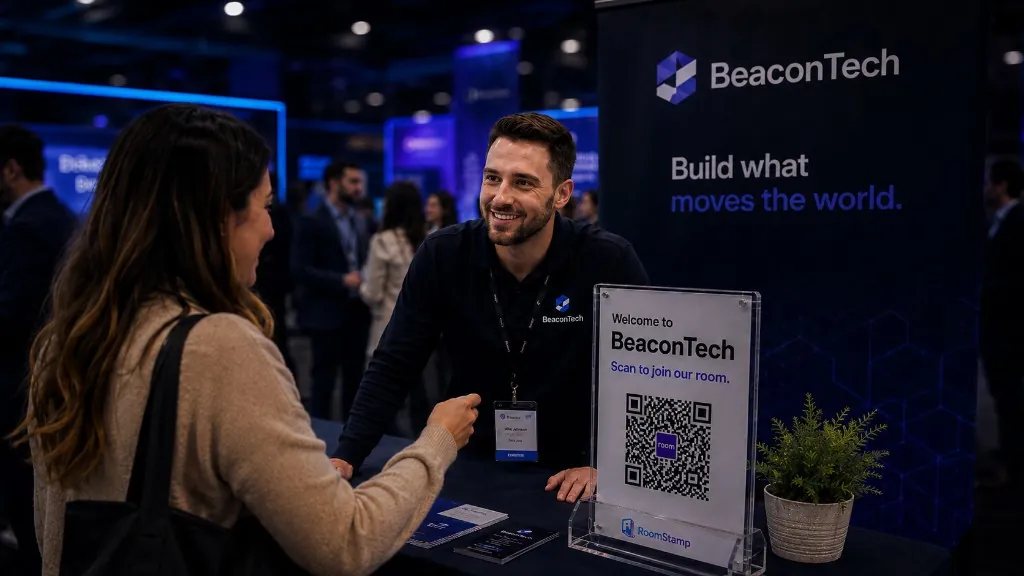
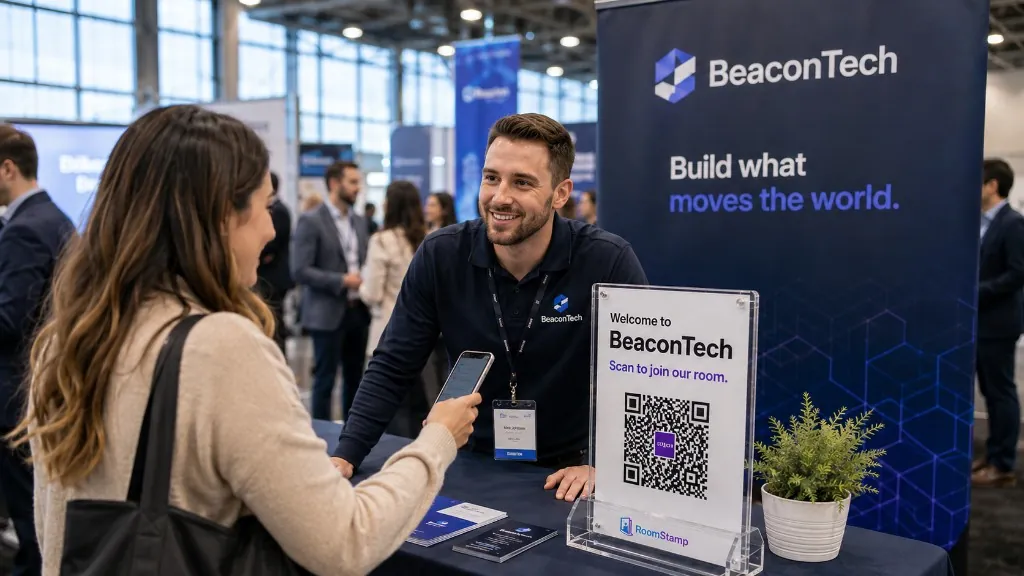
On the hiring floor
Built for brands who
work the booth.
When the line is long, people should leave knowing who they just met — and how to follow up. Booth Mode keeps that moment inside a RoomStamp room, not a generic careers page.
Scan at the stand
Share one booth QR. Everyone who joins enters the same live room for that event.
Meet your team
Visitors see the staff working the booth. Your team still sees everyone who checks in.
Leave with next steps
Open roles, overviews, and files stay on the room shelf after the conversation ends.
BeaconTech
In the room — Staff
Visitor view-
 Maya Brooks LeadBooth lead · BeaconTech
 -
 Kevin Park Hiring manager · BeaconTech
 -
 Aisha Coleman Campus programs · BeaconTech
Takeaways
Open roles
Company overview
No peer crowd — visitors only see staff at this booth.
What visitors see
Your team,
not a wall of strangers.
When someone joins your booth room, they meet the people working the stand. They are not asked to browse a crowd of other candidates. That simple change is what makes the floor feel clear.
Hosts still see full attendance. Visitors get a focused hello.
Open the live demo and join as a visitor to feel it.
Want a walkthrough?
Try the booth demo, then talk with us about setting up Brand booths for your next fair.
Looking for the full Brand workspace? See For Brands