















Join the room
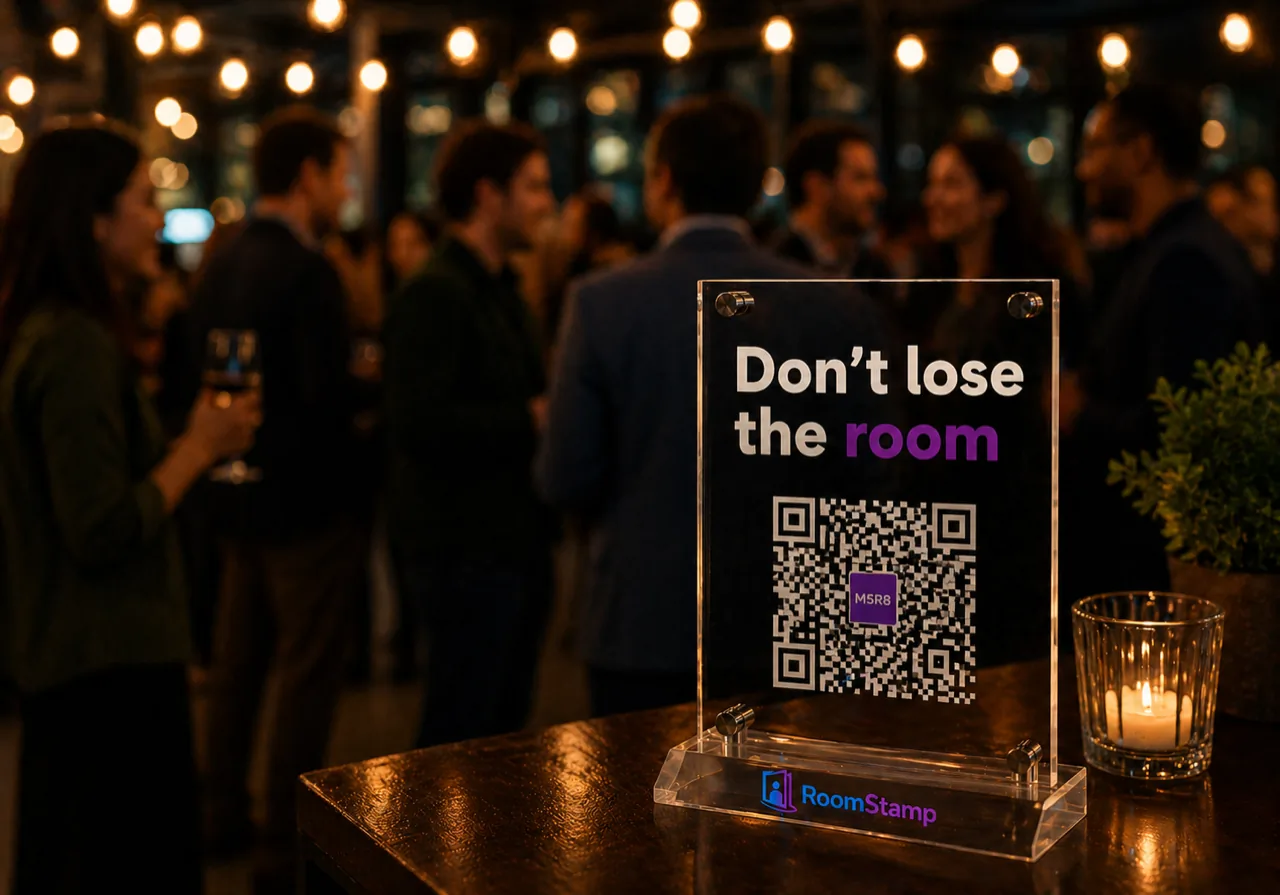
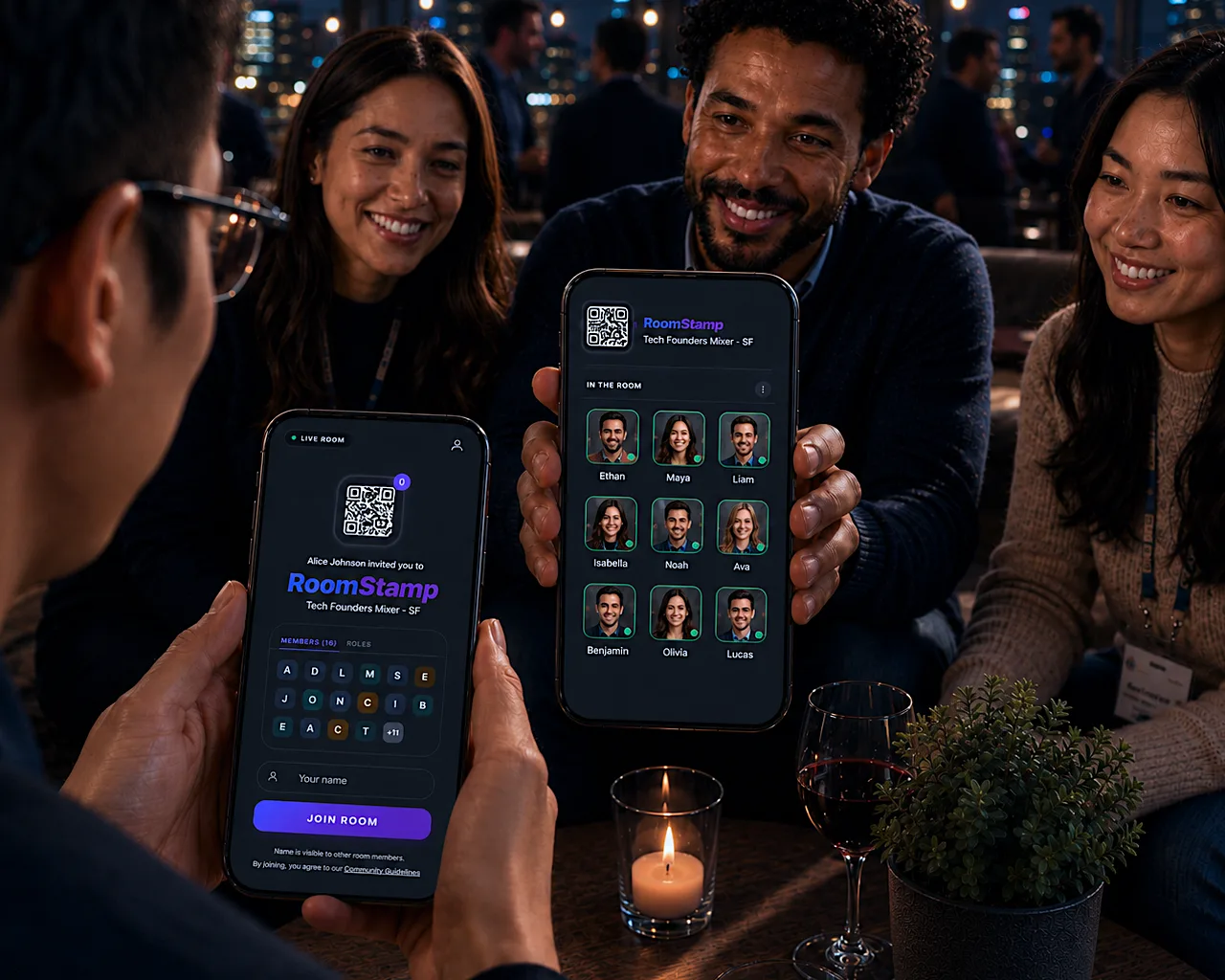
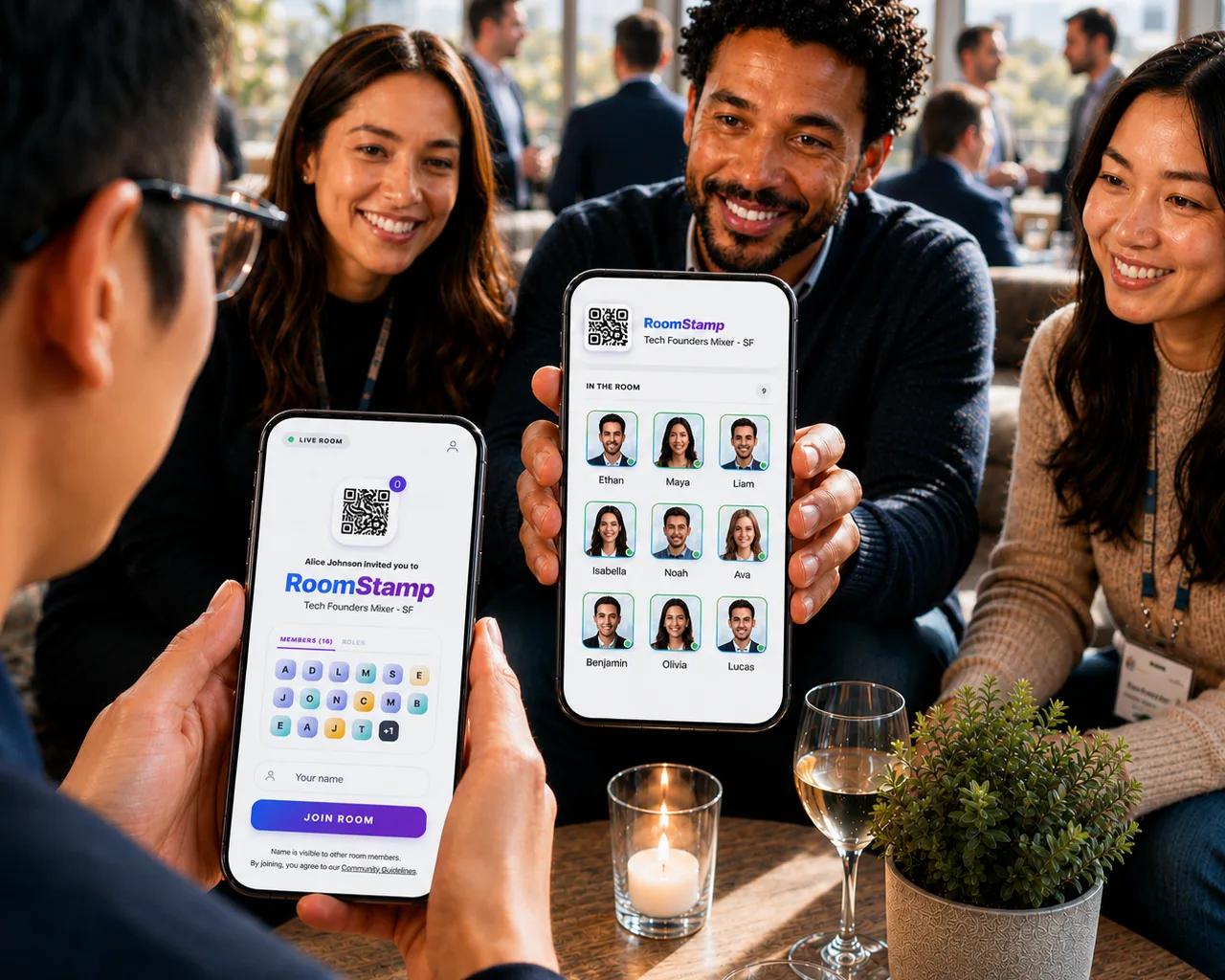
Scan a QR or use an invite key—everyone shares the same live roster.
How it works
Join a room, see who is there now, take contacts with you, and pick up after you leave.
Scan a QR or use an invite key—everyone shares the same live roster.
Live roster and presence show who is here now—not a stale list after the fact.
Export people you can see (or a selection) as a .vcf, then queue follow-ups from real conversations.
Run the room, read signal, and follow up in one product—for people who join and for people who host.
Hiring a senior frontend engineer (contract-to-hire)
Remote-friendly; React + Node. 30 min intro this week. Prefers B2B SaaS and small teams.
Looking for a mentor in GTM for an early B2B launch
Happy to buy coffee, share our deck, and return the favor on intro calls where it fits.
Event venues + design partners in the Bay Area
We run hybrid programs for founders—looking for 2–3 long-term collabs in 2026.
Need a lifecycle PMM for retention experiments
Hands-on with onboarding funnels and in-app messaging. Open to fractional support this quarter.
Advice on first enterprise security review
Looking for someone who has gone through SOC 2 prep and can share practical milestones.
Co-hosts for a monthly founder workshop series
Need venue + content partners in SF and Oakland for practical GTM sessions.
Freelance UX copywriter for onboarding revamp
Short engagement focused on activation moments and clearer product education.
Template for sponsor follow-up process after events
Want a proven cadence for recap notes, intros, and next-step scheduling.
Integration partners for CRM and event analytics
Exploring lightweight two-way sync for attendee context and follow-up outcomes.
In your live event
Looking For is a short wall for work, help, and partners—so the right people can find each other in the room.
Jordan · Guest
Jordan starts the conversationWhat's something small that made you smile this week?
Social deckFree · Stamp The Room: Classic
Pick a prompt, choose who reads, and let RoomStamp guide each turn. Classic is a simple way every room can start better conversations.
No met connections match.

RoomStamp
Starting point
Mike
Today
Priya
Yesterday
Luis
2 days ago
RoomStamp Demo
Starting point
Mike
Today
Priya
Yesterday
Luis
2 days agoIn your live event
Every introduction lands in My Network—name, face, when you met, and a short note. Next week or next event, the people you met are still there with context.
Sam Chen
Send one-pager + intro to their PM (Design Week)
Priya Raman
30‑min coffee re: their nonprofit pilot + our API
Luis Ortega
Circle back on venue sponsor deck — they asked for v2
After the room
Follow-ups are dated reminders on people you met—so next steps stay in a clear dashboard queue.
Stamp Memory
Quick 20-min intro this week — picking up from today
Hi Mike — great chatting in the room today. You mentioned a 30-day timeline and wanted a live demo of the v2 deck. Happy to set that up this week — Tuesday or Thursday at 10 AM your time?
Pro · NetworkStamp
Every person you meet gets a note—who they are, why they were there, what stuck. We turn that into an AI-drafted first message, ready to send.
Review, tweak, and open in mail or copy. The message picks up the conversation you already started.
AI Builders Bay Area · Q2 mixer
DesignOps SF · monthly social
Founders Tactical · open roles
Pro · Recommendations
We surface upcoming public rooms worth your time—ranked by who you've met, what you've stamped, and what's on your calendar. Every recommendation comes with a reason it matched, so you never wonder why it showed up.
One tap to add it to your calendar, one tap to open the room when it goes live. Turn it off any time from the gear—no spam, no drip, no nudges you didn't ask for.
Switch on whenever you want to host.
Live Stamp
One persistent QR. Every meetup routes to your active room — no reprints.
Room lobby
Pre-event landing page with countdown, host bio, and a one-tap stamp CTA.
Custom Intent Stamps
Pick a surface — sales, hiring, sponsor — and the questions on your form change to match.
Room Recap
When the room closes, see attendance, connections, surface breakdown, and top connectors — only for hosts.
Pro · Both sides of the room
Pro covers both sides. Your plan already drafts outreach, surfaces rooms worth your time, and queues follow-ups. The day you run your own room, host tools are already there.
No upgrade and no second plan. Open create and Live Stamp, lobby, custom Intent Stamps, and post-event recap are ready.
Avery · Teacher
Avery starts the conversationWhat makes you most curious about helping people learn?
Education deckPro adds · Smart Rotate
Everything in Stamp The Room: Classic, plus questions chosen to fit each reader using only details guests chose to share.
Get started
Join a room in seconds. Share what you are looking for, then queue follow-ups so good conversations turn into real next steps. Hosting for sponsors? See For hosts.
Loading recent rooms...